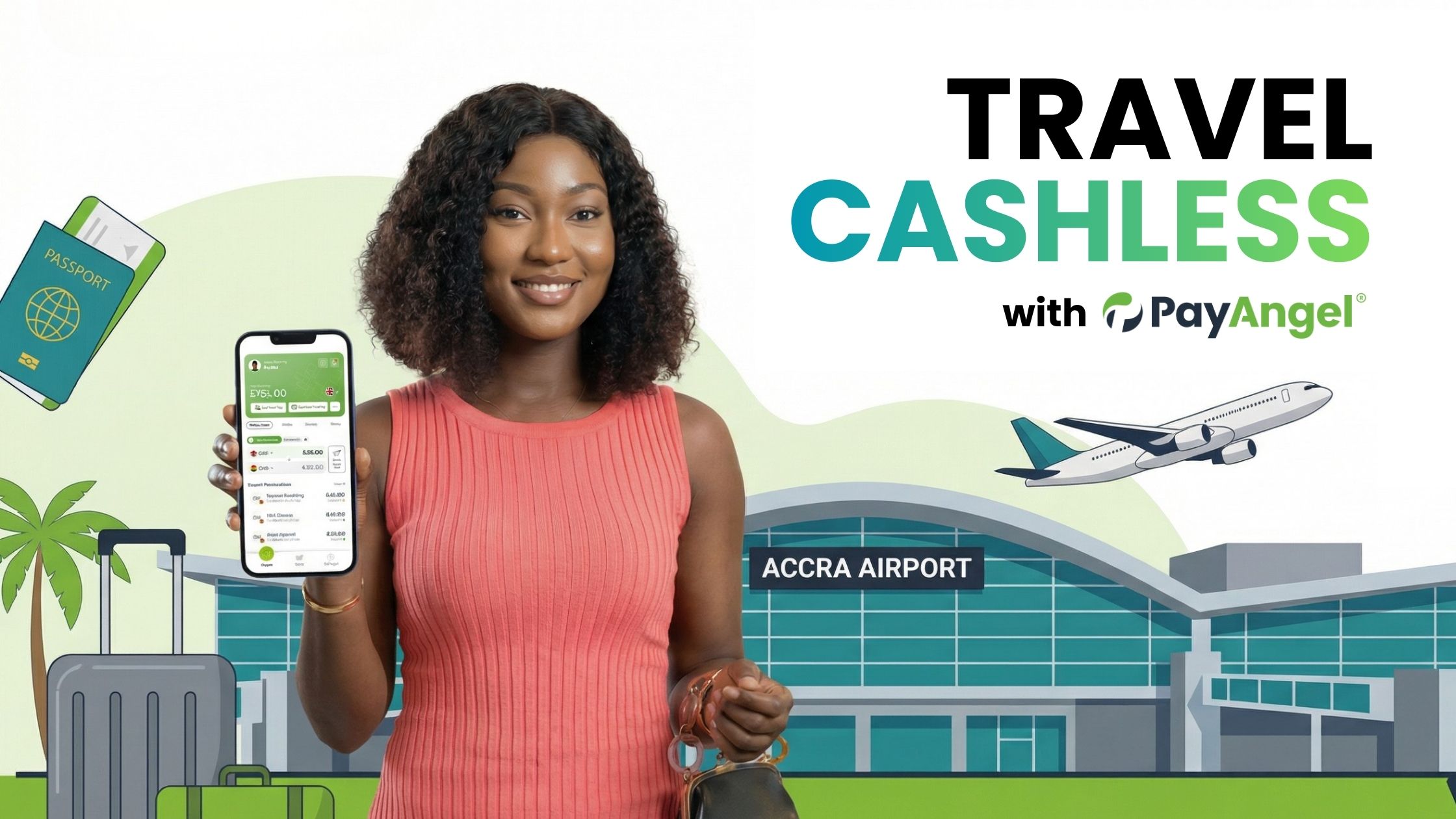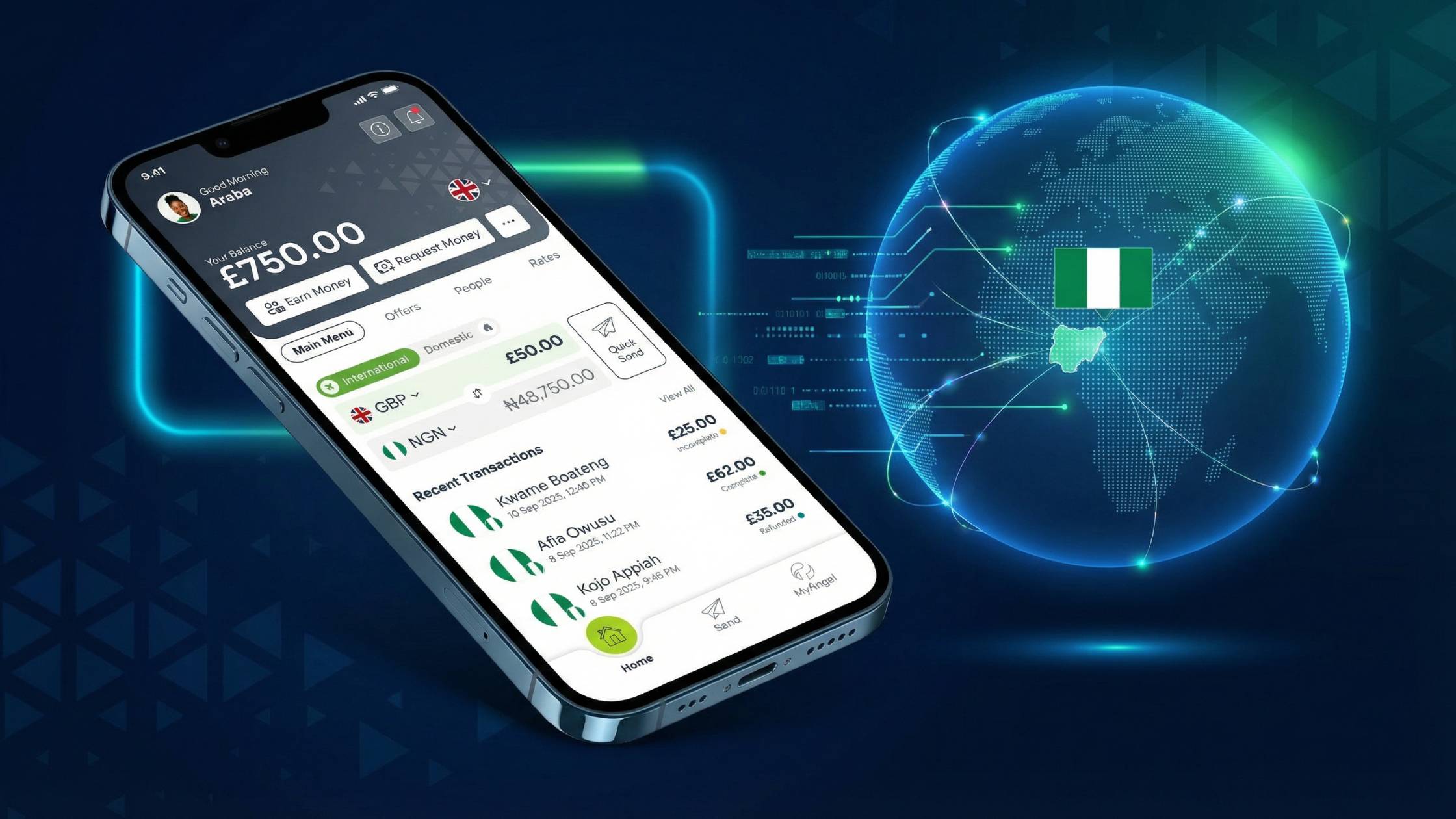

If you are struggling to find the most reliable app to send money back home, you need you know why tens of thousands are trusting PayAngel. We believe sending money home should be: fast, secure, transparent, and rewarding.
Did you know?
- 98% of PayAngel transfers arrive in less than 60 seconds.
- Zero fees mean more of your money reaches home.
- Unbeatable exchange rates give you unmatched value.
- Transactions can come with free life insurance for your loved ones (T&Cs apply).
- Real human agents – qualified, empathetic, and available 24/7 – are here to support you.
In this article we cover everything you need to know about how easy using PayAngel is… helping you with which details to prepare, how delivery times vary, and when Mobile Money vs bank is the better fit.
At a glance: Use PayAngel to pay to Mobile Money or bank from the UK, US, Canada, Australia, or Europe. Preview rates in-app before you confirm, and download a receipt after you send.
What to do first (2-minute checklist)
- Choose how the money will arrive Mobile Money (often fastest for day-to-day needs)
- Bank deposit (often best for institutions like schools and larger amounts)
- Have these details ready Recipient full name and Mobile Money number or bank details
- For school fees: the school/bursar’s account or official Mobile Money wallet, plus the reference the school asked you to use (e.g., pupil name/ID).
- Know your limits Daily / weekly sending limits and any ID documents you may need for higher amounts (you can send up to significant limits with the right documentation).
- Plan the reference Add a clear reference so the school or recipient can reconcile it quickly.
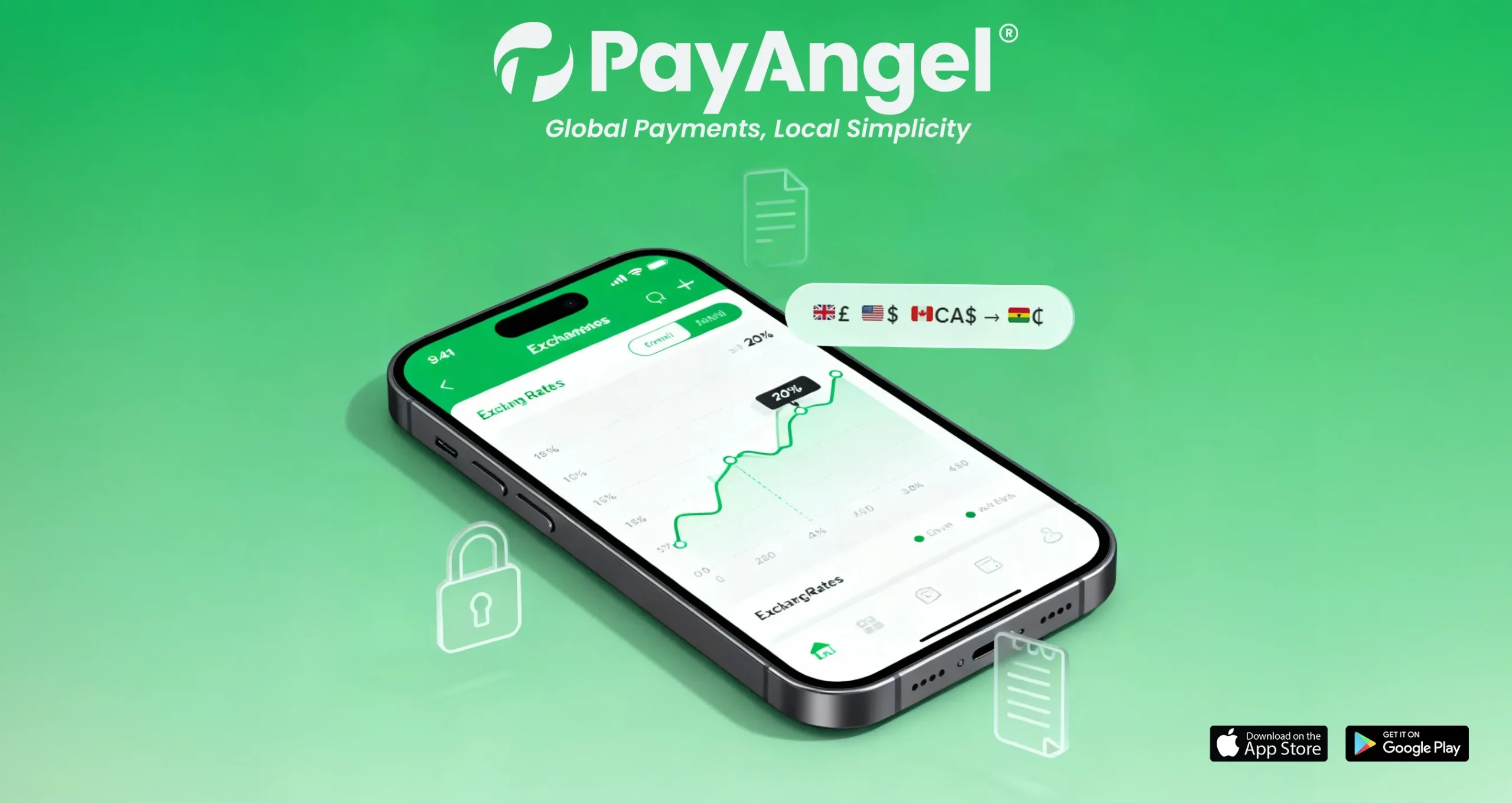
- Preview rate (and rest assured there are no fees) Always check the FX rate before confirming. Save or screenshot the quote if helpful.
Fast routes you can use today
1) Send Mobile Money with PayAngel (everyday support, speed)
- Works well for urgent family support, groceries, transport and many school-related needs when the school accepts Mobile Money.
- Recipients get a confirmation on their phone when funds land.
- You’ll see a receipt in-app for your records.
2) Send to a bank account with PayAngel (institutions, larger amounts)
- Ideal when paying a school bursar, clinic, or when a recipient prefers bank.
- Add the exact reference the school provided; this helps the bursar reconcile the payment quickly.
- You still get a downloadable receipt in-app.
How to pay school fees in Ghana from the UK / US / Canada / Australia (step-by-step)
- Open PayAngel and choose Pay School / Institution (or add the school as a recipient if you haven’t already).
- Enter the amount. Preview the rate and any fee before you proceed.
- Add the reference exactly as the school/bursar instructed (e.g., AMA MENSAH JNR – 6B).
- Choose how to fund the transfer (bank card or bank transfer).
- Confirm. You’ll see a sent confirmation and can download/email the receipt.
- Share the receipt with the school if requested (helps them match payments faster).
Tip: If the school accepts Mobile Money, sending directly to their official wallet can be the quickest route during busy fee-payment weeks.
Mobile Money vs bank for school payments (which to choose?)
Situation | Suggested route | Why |
School accepts Mobile Money and needs funds today | Mobile Money | Fast arrival and simple reconciliation |
School requires bank deposit with pupil reference | Bank deposit | Reference field is captured for bursar’s records |
Larger term payments with receipts for visa/tax files | Bank deposit | Formal statement/receipt trail |
Paying a supplier (books, uniforms) who uses Mobile Money | Mobile Money | Speed + confirmation on arrival |
Always follow the school’s instructions. If they specify a reference format or a particular route, use it exactly.
Troubleshooting common PayAngel blockers
- Name mismatch / KYC check
- Make sure recipient names match their Mobile Money or bank profile. For higher limits, complete verification in-app before you send.
- Wrong reference
- If a school can’t see your payment, the reference is the first thing they’ll check. Keep it short and exactly as instructed.
- Weekends and public holidays
- Mobile Money often moves faster on weekends. Bank posting can vary—send earlier if you know a cut-off is near.
- Card/OTP failures
- Double-check your card’s 3-D Secure/OTP settings. If the code fails, try bank transfer funding.
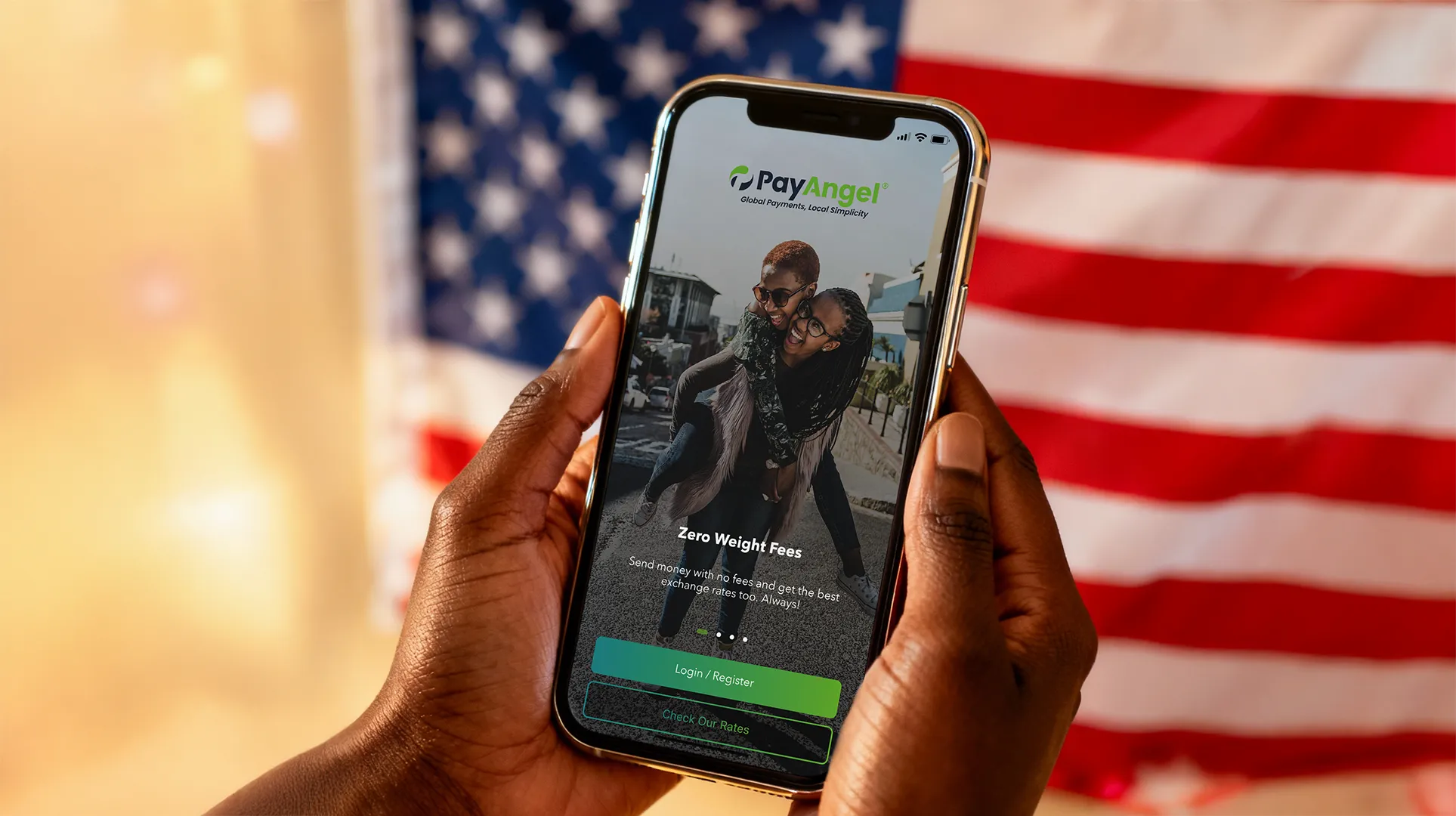
Why people choose PayAngel for Ghana
- Instant routes to Mobile Money and bank accounts
- Transparent rate preview and clear receipts after you send
- No-fee transfers and competitive FX rates where available
- Pay individuals or institutions (schools, clinics, insurers, billers)
- Free life insurance for receivers in Ghana (T&Cs apply)
- High limits with the right documentation
- Real support if you need help during fee season
Mission: Remittances shouldn’t be expensive. PayAngel is committed to fair pricing and reducing the cost of sending money – so more cedis reach home.
FAQs
Can I pay a Ghanaian school directly from the UK/US/Canada?
Yes. If the school provides a Mobile Money wallet or bank details, add them as a recipient and include the reference they request. You’ll receive a receipt after you send.
What details do I need to pay school fees?
School/bursar name, their Mobile Money number or bank account, and the exact reference format (often pupil name/ID/class). Keep the receipt.
How fast will the money arrive?
Mobile Money is often near-instant. Bank timing varies by bank and cut-off windows. Always review the in-app estimate before you confirm.
Is there a receipt I can download?
Yes – after you send, you can view, download or email a receipt for your records.
How much can I send?
You can send up to significant limits with the right documentation. If you plan a larger payment, complete verification in-app first.
Get it done now
Compliance note: Any rates you see in screenshots are illustrative. Actual rates are always shown in-app before you confirm. Free life insurance applies to qualifying transfers to Ghana – T&Cs apply.